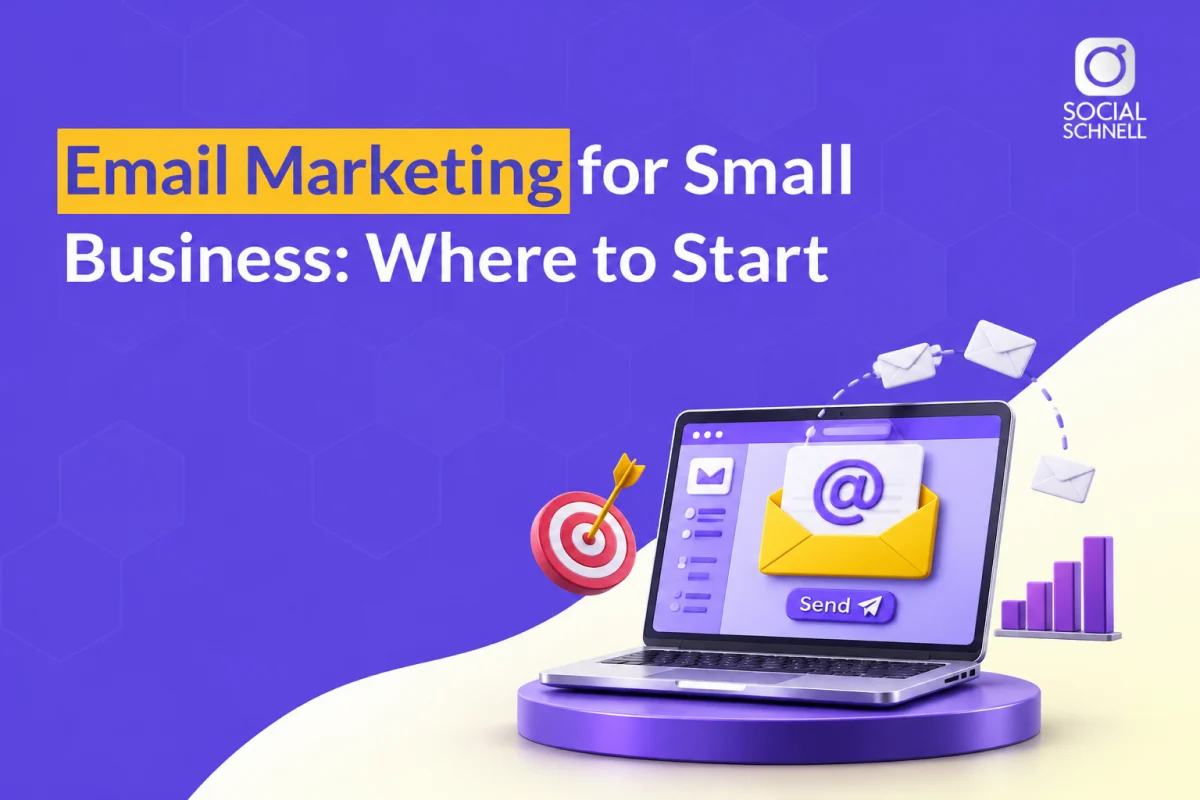
Email Marketing for Small Business: Where to Start
By Priya, Head of Marketing, Social Schnell · Published 19 November 2026
Summary
Email marketing for a small business starts with three things: a list of people who asked to hear from you, a simple platform, and a short set of automated emails (welcome, follow-up and re-engagement). Send on a rhythm you can keep, set up SPF, DKIM and DMARC so Gmail and Yahoo trust your mail, and judge results on clicks and sales, not opens.
Key takeaways
- Your email list is an audience you own. No feed algorithm decides who sees your message.
- Only add people who opted in, and make leaving as easy as joining.
- Set up three automated emails first: welcome, follow-up and re-engagement.
- Gmail and Yahoo require bulk senders to use SPF, DKIM and DMARC, offer one-click unsubscribe and keep spam complaints below 0.3%.
- Apple Mail Privacy Protection inflates open rates, so measure clicks, replies, leads and sales instead.
Is email marketing still worth it for a small business?
Yes, because an email list is one of the few audiences a small business owns outright. Followers on Instagram, TikTok or LinkedIn belong to the platform, and the platform decides how many of them see each post. An email goes to every inbox on your list, and if a social account is restricted or a platform changes its rules, your list stays with you.
Email is also cheap to run once it is set up. The same welcome email can greet every new subscriber for a year without anyone touching it. That makes it a good fit for a small team that cannot post, reply and advertise all day.
It does not replace your other channels. Social media and ads bring new people in; email is how you keep talking to them after the first visit.
How do you build an email list with consent?
Ask people to join, tell them what they will get, and only add those who say yes. A list built this way is smaller at first, but the people on it open, click and buy, and they rarely mark you as spam.
Practical ways to grow a list:
- A sign-up form on your website: on the homepage, the blog and the contact page, with one line on what subscribers get and how often.
- A useful reason to join: a checklist, a price guide, a first-order discount or early access to new stock.
- At checkout or booking: an unticked box to opt in to marketing emails, separate from the order confirmation.
- In person: a QR code at the counter or at an event that leads to the same form.
Do not buy lists, scrape addresses or add every business card you collected. People who never asked for your emails are the ones who report them as spam, and that hurts delivery to everyone else on your list. Keep a record of when and where each person signed up.
How do you choose an email marketing platform?
Choose the simplest platform that does the five things a small business needs, then switch later if you outgrow it. Most well-known platforms offer a free or low-cost starting plan, so test two before you commit.
Check that the platform:
- Has sign-up forms you can embed on your website.
- Runs automated emails triggered by a sign-up, a purchase or a period of inactivity.
- Lets you authenticate your own domain (SPF, DKIM and DMARC), so mail comes from you@yourbusiness.com, not a shared address.
- Adds one-click unsubscribe to marketing emails automatically.
- Connects to your website, shop or CRM so contacts and purchases sync without copy and paste.
Pricing is usually based on the number of contacts or emails sent, so read what happens to the price as your list grows. A list of engaged subscribers costs less and performs better than a large list of people who never open.
What emails should a small business send first?
Start with three automated emails before you plan any newsletter: a welcome email, a follow-up, and a re-engagement email. These run on their own and reach people at the moments they are most likely to act.
| When it sends | What it does | |
|---|---|---|
| Welcome | Straight after someone signs up | Delivers what you promised, says who you are and what they will receive, and gives one next step |
| Follow-up | A few days later, or after a first enquiry or purchase | Answers the common questions, shares a useful guide, or asks for feedback on the order |
| Re-engagement | When someone has not clicked for a few months | Asks whether they still want your emails, and removes them if they do not respond |
The welcome email matters most, because it reaches people when their interest is highest. Keep it short, deliver the checklist or discount code you offered, and include one link to your best page or product.
The re-engagement email protects your list. Removing people who no longer read your mail lowers complaints and keeps your sending reputation healthy.
How often should a small business send marketing emails?
Send as often as you can send something useful, and keep the rhythm steady. For most small businesses that means a regular newsletter, weekly, fortnightly or monthly, plus the automated emails above.
Tell people the frequency on your sign-up form and stick to it. A sudden burst of emails after months of silence is a common trigger for unsubscribes and spam reports. If unsubscribes rise after a send, look at whether you sent more often than you promised or sent something off topic.
Every email should have one clear job: a new product, a guide, an offer or an event. If you cannot name the job, skip that send.
What are the Gmail and Yahoo bulk sender requirements?
Gmail and Yahoo require every sender to authenticate their mail, and bulk senders must also use DMARC, offer one-click unsubscribe and keep spam complaints low. Google’s rules have applied since February 2024. According to Google’s Email sender guidelines, a bulk sender is anyone sending more than 5,000 messages a day to personal Gmail accounts.
The main rules, according to Google’s Email sender guidelines and Yahoo’s Sender Hub:
- All senders: set up SPF or DKIM for your sending domain, have valid forward and reverse DNS, and keep your spam rate below 0.3%. Google also requires a TLS connection.
- Bulk senders: set up SPF and DKIM and publish a DMARC policy (at least p=none), with the From address aligned to the SPF or DKIM domain.
- One-click unsubscribe: marketing and subscribed messages must support it through the List-Unsubscribe header. Yahoo requires unsubscribes to be honoured within 2 days, and Google expects them to be processed promptly.
- Spam rate: both say below 0.3%. Google advises aiming for below 0.1%.
Even if you send far fewer than 5,000 emails a day, set up all three records. Your email platform will give you the exact DNS entries to add to your domain, and adding them is usually a one-time job for whoever manages your website.
How do you keep emails out of the spam folder?
Send only to people who asked for your emails, authenticate your domain, and remove people who stop engaging. Inbox providers watch how recipients react, so a clean, interested list does more for delivery than any subject line trick.
- Send from your own domain, not a free Gmail or Yahoo address.
- Use the same From name every time so people recognise you.
- Make the unsubscribe link easy to find. If people cannot leave, they press “Report spam” instead.
- Remove addresses that bounce, and run the re-engagement email on people who have gone quiet.
- Check your spam rate in Google Postmaster Tools once you send regularly to Gmail users.
What email metrics should you track now that open rates are unreliable?
Track clicks, replies, leads and sales from email, plus unsubscribes and spam complaints. Open rates are no longer a reliable measure on their own.
The reason is Apple’s Mail Privacy Protection. According to Apple, when the feature is on, Apple Mail downloads remote content in the background by default, whether or not the person engages with the email. Opens are counted by loading a tiny tracking image, so emails that were never read can still be recorded as opened.
A simple scorecard for each send:
- Clicks: how many people clicked a link, and which link.
- Conversions: enquiries, bookings or orders from email, tracked with UTM tags in Google Analytics 4.
- Unsubscribes and spam complaints: early warnings that frequency or content is off.
- List growth: new subscribers minus those who left.
Use opens only as a rough trend over time, never to judge a single email or to decide who is “engaged”.
What email marketing rules does a small business need to follow?
Get clear consent, say who you are, and let people unsubscribe easily. Those three habits cover the core of most email and privacy laws.
The details differ by country. Businesses emailing people in Europe deal with GDPR and related privacy rules, US senders deal with the CAN-SPAM Act, and the UAE has its own federal data protection law. If you email customers in several markets, check the rules for each one or ask a lawyer, because this guide is general information, not legal advice.
Good practice that holds up in most places: record when and how each person opted in, do not hide who the email is from, include your business details in the footer, honour unsubscribes quickly and keep personal data secure.
From our work
Our free marketing audit reviews content across blog, social media and email alongside your goals, audience and website. We work as a long-term growth partner measured on revenue, not vanity metrics, and the same logic applies to email: judge it on clicks, leads and sales rather than open rates. For how email fits with the content you publish, see content marketing in the AI era. For where email sits in a wider plan, see our digital marketing strategies for 2026.
Related guides
Quick FAQ
Is email marketing good for small businesses? Yes. An email list is an audience you own, and automated emails keep working without daily effort from a small team.
How do I start email marketing with no list? Add a sign-up form to your website with a clear reason to join, then set up a welcome email before you send anything else.
Do I need SPF, DKIM and DMARC for a small list? Gmail and Yahoo strictly require all three only for bulk senders, but setting them up on any list helps your emails reach the inbox.
Are email open rates still accurate? Not on their own. Apple Mail Privacy Protection can record emails as opened when nobody read them, so track clicks and sales instead.
About the author
Priya is Head of Marketing at Social Schnell, leading marketing across performance ads, social media, SEO and content for brands across the UAE, USA and Europe.
About Social Schnell
Social Schnell is a performance-driven digital marketing agency working with brands across the UAE, USA and Europe, with 9+ years of industry experience, $15M+ in ad spend managed and 15+ client brands.
Not sure where email fits in your marketing? Ask for a free marketing audit.